
BartaAI Voice Dictation for Windows
Get BartaAI
Windows Voice-to-Text Software

Your Voice. Your Language. One Payment.

Turn your voice into text with BartaAI. A professional Windows voice-to-text experience designed to help you spend less time typing and more time getting things done. Pay once for lifetime access. No monthly subscription. No external API key required.

$99 One-Time Payment No Monthly Subscription No External API Key Required Multilingual Speech-to-Text
● Interactive Preview Try the actual BartaAI Windows interface — click the mic orb, search history, inspect statistics, or switch tabs:
BartaAI — Voice Dictation for Windows

Dashboard

Speak anywhere in Windows and the text is typed for you.

Ready · Caps Lock / F8

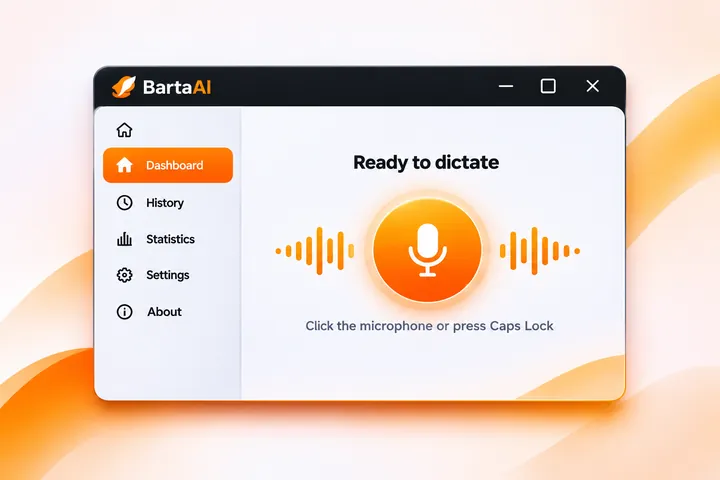
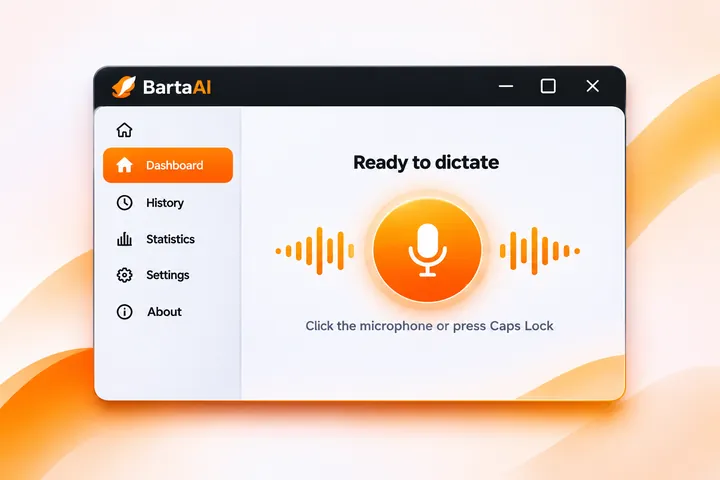
Ready to dictate

Use Caps Lock or F8 in any app, or click the microphone.

Hold or double-tap Caps Lock or press F8
Dictations
14
Words
1,860
Speed
138wpm
Live Voice Canvas
Real-time speech transcription & quick pad
Engine Ready

Ready to Dictate

Hold Caps Lock or press F8 anywhere in Windows. Your spoken words will be transcribed in real-time and typed directly into your active window.

3.5x Faster than Typing
Multi-Language
Smart Punctuation

Recent dictations

8

Hi Sarah, thanks for following up on the project proposal. I've reviewed the updated product roadmap with our engineering team, and we're ready to kick off Phase Two early next week.

Good morning team! Running about five minutes late for the sprint standup. Please go ahead and start with the blockers, and I'll share the desktop build updates as soon as I join.

Core requirement for the Windows client: Ensure local SQLite caching persists across offline sessions, with automatic background sync triggers once internet connectivity is restored.

The release build completed successfully. Please test the new Windows installer and global shortcut triggers, then share quick feedback with the engineering team.

Thank you for reaching out to BartaAI support! You can quickly start dictating in any Windows app by holding Caps Lock or double-tapping F8. Let us know if you need any further assistance.

Looks solid! Clean separation between the database layer and UI controllers. Just make sure to cancel the active animation ticker inside dispose to prevent any potential memory leaks.

8 saved dictations
Today, 11:42 AM
Hi Sarah, thanks for following up on the project proposal. I've reviewed the updated product roadmap with our engineering team, and we're ready to kick off Phase Two early next week.
Today, 10:15 AM
Good morning team! Running about five minutes late for the sprint standup. Please go ahead and start with the blockers, and I'll share the desktop build updates as soon as I join.
Today, 9:28 AM
Core requirement for the Windows client: Ensure local SQLite caching persists across offline sessions, with automatic background sync triggers once internet connectivity is restored.
Today, 9:04 AM
The release build completed successfully. Please test the new Windows installer and global shortcut triggers, then share quick feedback with the engineering team.
Yesterday, 5:48 PM
Thank you for reaching out to BartaAI support! You can quickly start dictating in any Windows app by holding Caps Lock or double-tapping F8. Let us know if you need any further assistance.
Yesterday, 3:30 PM
Looks solid! Clean separation between the database layer and UI controllers. Just make sure to cancel the active animation ticker inside dispose to prevent any potential memory leaks.
Yesterday, 1:15 PM
Action items from product sync: Finalize the privacy policy on bartaai.com, verify global keyboard hook latency on low-end laptops, and prepare the release notes for the beta launch.
Yesterday, 10:50 AM
Our new dashboard design review is complete. I will double-check that the search and export options in the history tab are functioning smoothly before deployment.
⚡ ~3.5x faster than typing
Total Words
4,850
Last 7 days
Dictations
36
Voice sessions
Avg Speed
138 wpm
Speaking rate
Time Saved
58 mins
vs typing 40 wpm
Words dictated Last 7 days
Today Earlier
4,850 words in this period
1,280 960 640 320 0
Monday, Today 1,280 words · 7 sessions
26% of period total
Tue
Wed
Thu
Fri
Sat
Sun
Mon
Speaking speed Words per minute
138 wpm ⚡ 3.4x faster than typing
When you dictate Busiest hours
12 AM 6 AM 12 PM 6 PM 11 PM
General
How BartaAI behaves on your Windows PC.
Launch on Windows Startup
Automatically run silently in the system tray when your PC boots.
Keep running in the tray
Closing the window leaves voice dictation active in background.
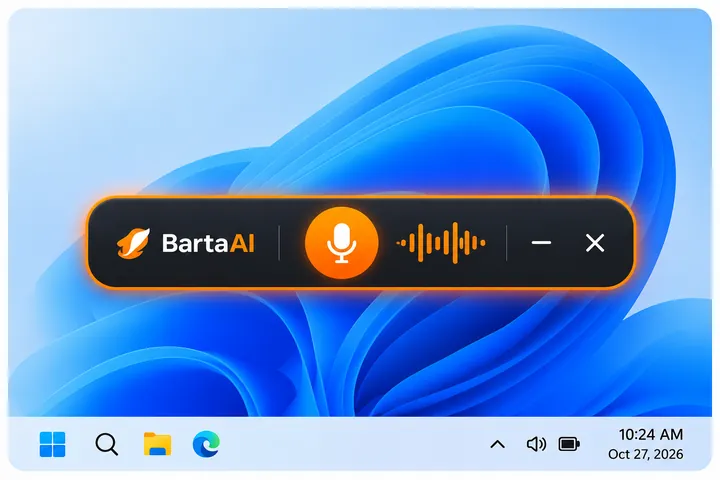
Show floating recording bar
A small bar appears near your taskbar while you speak.
Speech Recognition Engine
Instant Dictation • Multi-Language
Appearance
Choose between Light and Dark visual styles.
Light
Dark
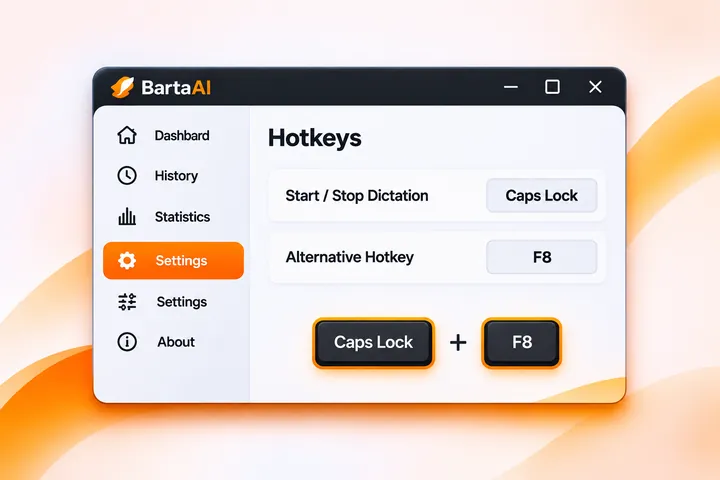
Shortcut & Hotkeys
Choose which global shortcut starts and stops voice dictation.
Activation shortcut
Use either Caps Lock (hold / double-tap) or F8 anytime.
Both (Caps & F8)
Caps Lock only
F8 only
Caps Lock double-tap speed
Maximum time between two taps to lock continuous recording.
Data & Backup
Manage local history retention, export dictations, or restore from backups.
History retention
How long to keep past dictations on this device.
Export History
Save all your dictations as a JSON or CSV file to your computer.
Import History
Restore your saved dictations from a previously exported JSON backup file.
Factory Reset
Unlink license, log out of speech engine, and wipe all history and local data.
License & Activation
Manage your BartaAI license and active device slots.
License Status
Lifetime personal license active and verified on this PC.
Active · Lifetime
License Key
0000000-11111-2222-3333-44444
Device Usage
1 of 1 active machine slot used.
1 / 1 Slot Active
Manage Machine Slots
Deactivate this PC or manage all registered computers on Lemon Squeezy.
BartaAI
Voice Dictation for Windows

About BartaAI

BartaAI is a powerful voice dictation application that transforms your speech into text in virtually any language. Speak naturally and turn your voice into written text effortlessly across your favorite Windows applications.

Designed for simplicity, speed, and productivity, BartaAI helps you express your thoughts and write smarter—one voice at a time.

Your Voice. Any Language. Your Words.

See How to Use BartaAI in Action

Watch this quick step-by-step video guide to learn how to activate BartaAI, configure your global hotkeys, and start dictating smoothly across any Windows software.

Speak Naturally. Type Less. Pay Once.

Multilingual speech-to-text and simple Windows integration—owned forever with a single payment.

BartaAI Lifetime Access glowing infinity symbol and shield with checkmark

Lifetime Access — $99 One-Time

"Stop paying monthly for voice typing. Get BartaAI with one simple payment."

Pay once and unlock every BartaAI module—live Windows dictation, searchable local history, and personal productivity statistics.

No monthly subscription crossed out calendar with protective shield

No Monthly Subscription

"Your productivity tool shouldn't come with another monthly bill."

Skip recurring software charges with a straightforward, transparent one-time purchase.

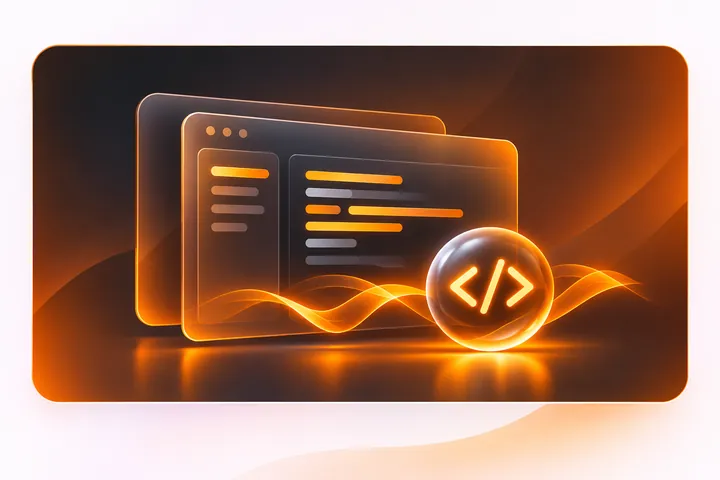
No external API key required glowing code bracket chip tile

No External API Key Required

"Get started without managing external API keys."

No developer tokens or third-party billing dashboards—BartaAI's speech engine is ready out of the box.

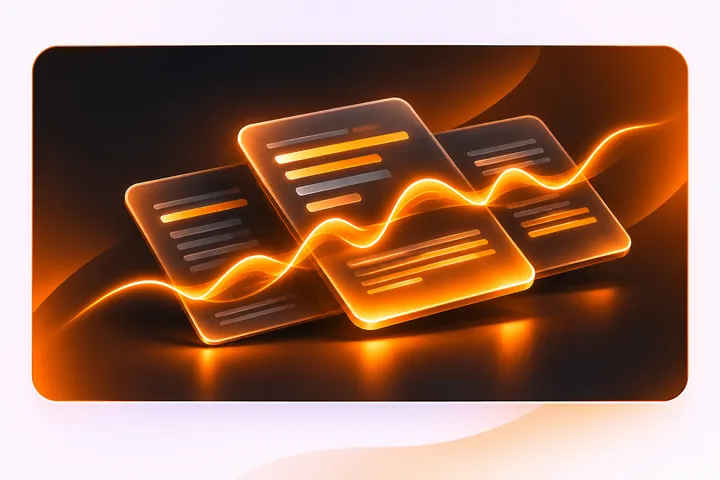
Multilingual speech-to-text continuous glowing orange waveform cards

Multilingual Voice-to-Text

"Speak in your language. Turn your voice into text."

Dictate naturally with multilingual speech-to-text recognition and keep every transcript organized in one place.

Windows laptop with glowing orange keyboard and Windows 11 logo

Windows Desktop Experience

"Voice typing designed for your Windows workflow."

Trigger anywhere with Caps Lock or F8, run silently in the system tray, and speak with a floating taskbar bar.

Voice Typing Designed for Your Windows Workflow

Three effortless steps from spoken thought to finished text across your Windows applications.

Step 1: Trigger voice dictation with Caps Lock or F8 keyboard shortcut
1

Trigger with Caps Lock or F8

Hold or double-tap Caps Lock for hands-free recording, or press F8 anytime.

Caps Lock Hold / Double-Tap · F8 Press
Step 2: Speak naturally into microphone with floating recording waveform bar
2

Speak Naturally

A floating recording bar appears near your taskbar while you speak. Your words are transcribed and typed directly into your active window.

Step 3: Spoken words transcribed into active Windows window and saved to History
3

Typed & Saved to History

Words appear directly in your active window and log automatically to your searchable local History.

Everything Inside the BartaAI Desktop App

Explore the real Windows modules below—or click any card to jump straight to that tab in the live app preview.

BartaAI Voice Dictation Dashboard with microphone orb and speech waves

Live Voice Canvas & Dashboard

Start voice dictation by hotkey or mic orb, monitor real-time engine readiness, and copy recent snippets in one click.

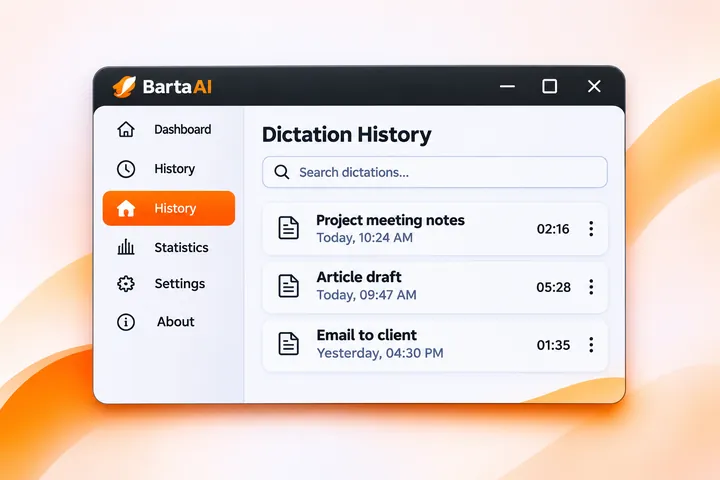
BartaAI Searchable Dictation History dashboard with instant search filter and transcripts

Searchable Dictation History

Filter transcripts instantaneously, inspect character/word/WPM metadata, copy snippets, or clear logs with two-step safety.

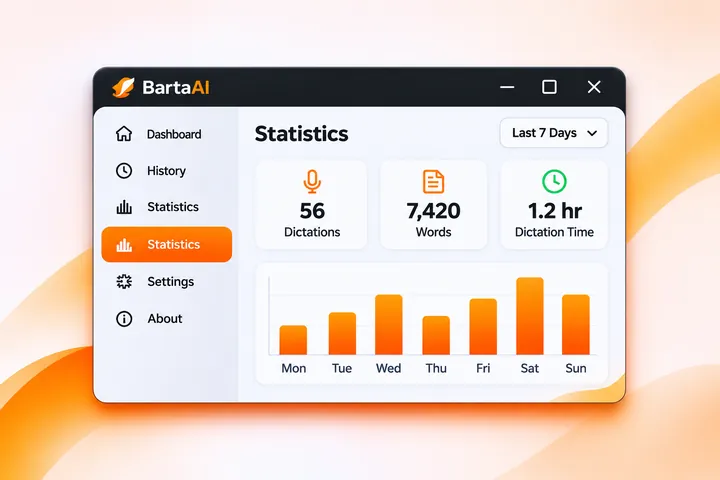
BartaAI Productivity Statistics dashboard with 7-day volume chart and word counts

Personal Productivity Statistics

View 7-day and 30-day word volume charts, personal speaking speed (e.g., 138 WPM), time saved vs. 40 WPM typing, and a 24-hour heatmap.

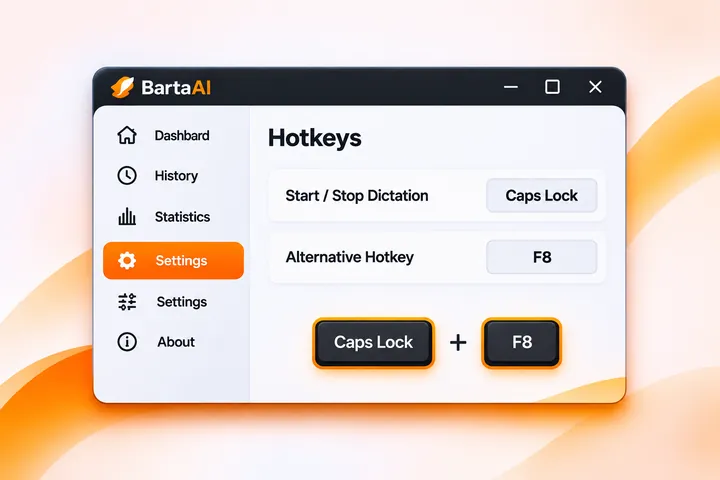
BartaAI Hotkeys Settings interface with Caps Lock and F8 triggers and 3D keycaps

Customizable Hotkeys & Shortcuts

Trigger dictation effortlessly from any Windows app using Caps Lock or F8 without moving your hands away from the keyboard.

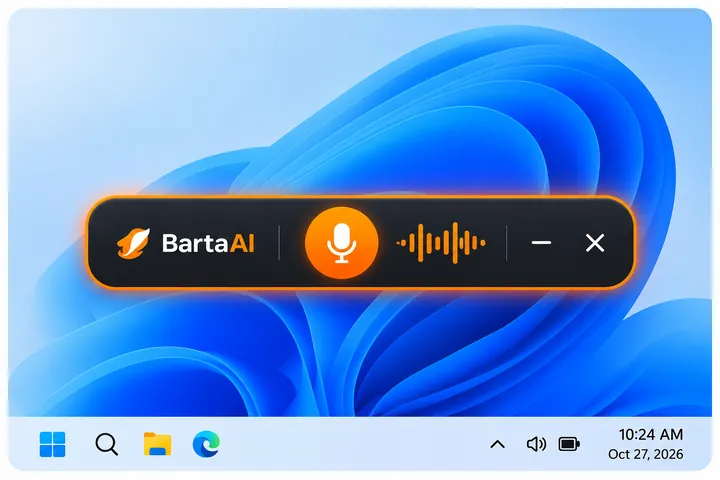
BartaAI Floating Dictation Bar with live waveform on Windows 11 desktop and system tray

Startup, System Tray & Floating Bar

Run silently on Windows boot, stay ready in the system tray when closed, and view a compact floating bar while speaking.

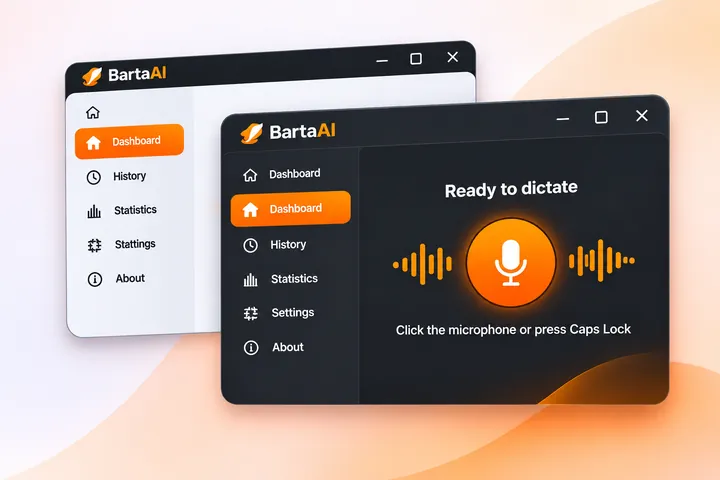
BartaAI Dual-Mode Light and Dark interface showcase

Light & Dark Visual Styles

Crafted with a clean Light theme active by default and a high-contrast Dark theme—switchable anytime in one click.

Built for People Who Write, Communicate, and Work on Windows

For professionals, creators, and teams who prefer speaking naturally instead of typing everything by hand.

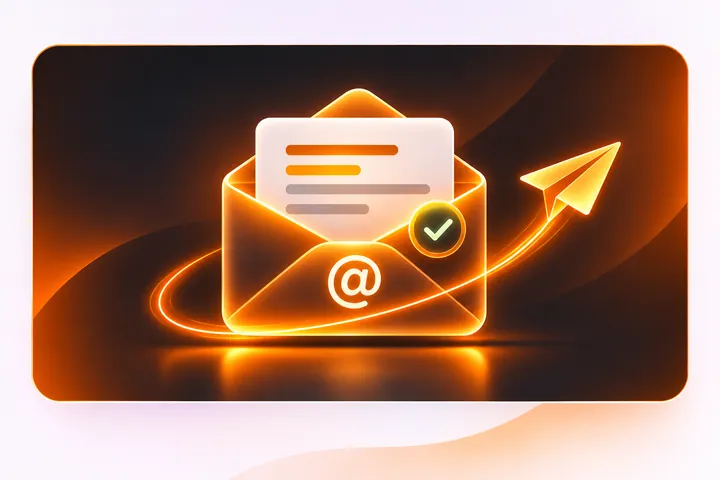
Glowing 3D email envelope with paper airplane and checkmark for professionals
Professionals Remote Workers Sales & Support Business Owners

Emails, Proposals & Follow-Ups

Dictate client replies, project roadmaps, and meeting action items directly into your email or document editor.

"Hi Sarah, thanks for following up on the project proposal. I've reviewed the updated product roadmap with our engineering team, and we're ready to kick off Phase Two early next week."
Glowing code panels and bracket orb for developers and technical standup updates
Developers Entrepreneurs Product Teams

Standup Updates, Specs & Code Reviews

Speak technical requirements, pull-request notes, and sprint updates instead of typing long paragraphs.

"Looks solid! Clean separation between the database layer and UI controllers. Just make sure to cancel the active animation ticker inside dispose to prevent any potential memory leaks."
Glowing documents with orange soundwave for writers and content creators
Writers Content Creators Freelancers Researchers & Students

Drafting Documents, Notes & Outlines

Capture ideas as naturally as you speak, search every past session locally, and export logs to JSON or CSV.

"Action items from product sync: Finalize the privacy policy on bartaai.com, verify global keyboard hook latency on low-end laptops, and prepare the release notes for the beta launch."
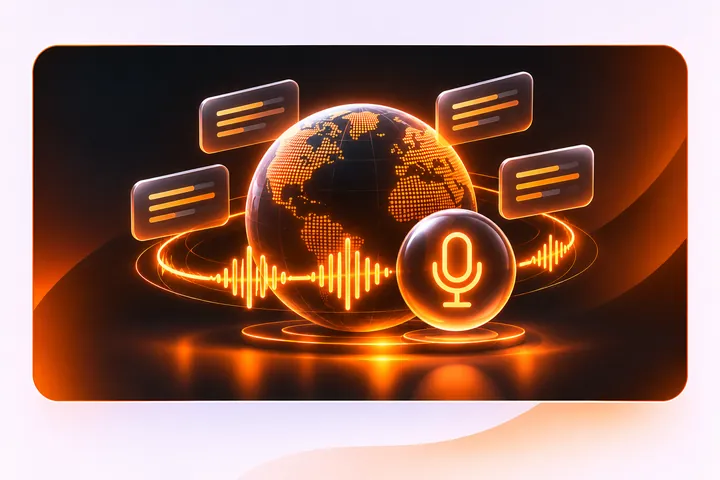
Neon orange globe with speech bubbles and glowing microphone for multilingual workflows
Multilingual Users Global Teams

Multilingual Speech-to-Text Workflows

Speak naturally in your language with clean script rendering and searchable local dictation history.

"আজকের রিলিজ বিল্ডটা সফলভাবে কমপ্লিট হয়েছে। নতুন উইন্ডোজ ইনস্টলার এবং গ্লোবাল শর্টকাট ফিচারটি টেস্ট করে টিমকে দ্রুত ফিডব্যাক জানিও।"

Why Keep Paying Monthly for Voice Typing?

Lock in lifetime access with our official Early Bird launch discount. Personal is 20% OFF and Pro is 50% OFF. Pay once, own forever.

🐦
Early Bird Launch Offer: Save 20% on Personal ($79) & 50% on Pro ($99). Lifetime updates included.
Limited Spots
Early Bird · 20% OFF

Personal

$99 $79
One-Time Payment Save 20% ($20 OFF)
1 Active Device

Pay once. Own lifetime access for your primary Windows workstation at special Early Bird pricing.

  • 1 Active Device license
  • Lifetime access to the BartaAI Windows desktop application
  • No monthly subscription — pay once instead of paying every month
  • No external API key required — ready out of the box
  • Multilingual speech-to-text recognition
  • Global Windows shortcuts (Caps Lock & F8)
  • Searchable dictation history with JSON/CSV export & backup
  • Built-in productivity statistics (words, speaking rate & time saved)
  • System tray mode, floating bar, Smart Punctuation & Light/Dark themes
Claim Early Bird — $79
14-Day Money-Back Guarantee

100% risk-free. Read our refund policy.

Lifetime Updates Included

All future application features and improvements with zero renewal fees.

Secure Checkout

Encrypted 256-bit checkout provided securely by Lemon Squeezy.

Frequently Asked Questions

Clear, straightforward answers about BartaAI's features, Windows workflow, and $99 one-time pricing.

BartaAI is offered as a one-time payment for lifetime access. There is no recurring monthly subscription charge.
No. BartaAI requires no external API key. You can start dictating without configuring or managing third-party API credentials.
Voice Mode 1 requires no login, no registration, and no setup—it works instantly out of the box once you activate your BartaAI license.

Voice Mode 2 To use Voice Mode 2, you simply need to click Engine Login / Setup ▾ in the app to complete a quick, 100% free website signup. No credit card or paid subscription is ever required.
You can start and stop voice dictation using Caps Lock (hold to talk or double-tap to lock continuous recording) or by pressing F8, or by clicking the microphone button inside the BartaAI dashboard. In Settings, you can choose to enable Both (Caps Lock & F8), Caps Lock only, or F8 only, and adjust the double-tap speed (250 ms, 400 ms, or 600 ms).
Yes. BartaAI provides multilingual speech-to-text supporting the most popular global languages so you can speak naturally and turn your voice into written text. While it covers the vast majority of major languages, it may not support every regional language or dialect. You can confirm whether your language is supported by sending us a message.
Yes. The History tab lets you search saved dictations by keyword, copy individual transcripts, delete single entries, or clear all entries with a two-step confirmation. In Settings → Data & Backup, you can configure history retention (7 days, 30 days, 90 days, or Keep forever), export your history as JSON or CSV, and import a JSON backup.